
Yokefellow - Blog
Getting Started with Yokefellow
A first guide to Yokefellow: what buckets are, how YES fits in, why wallets and profiles matter, and where new users should start before participating.

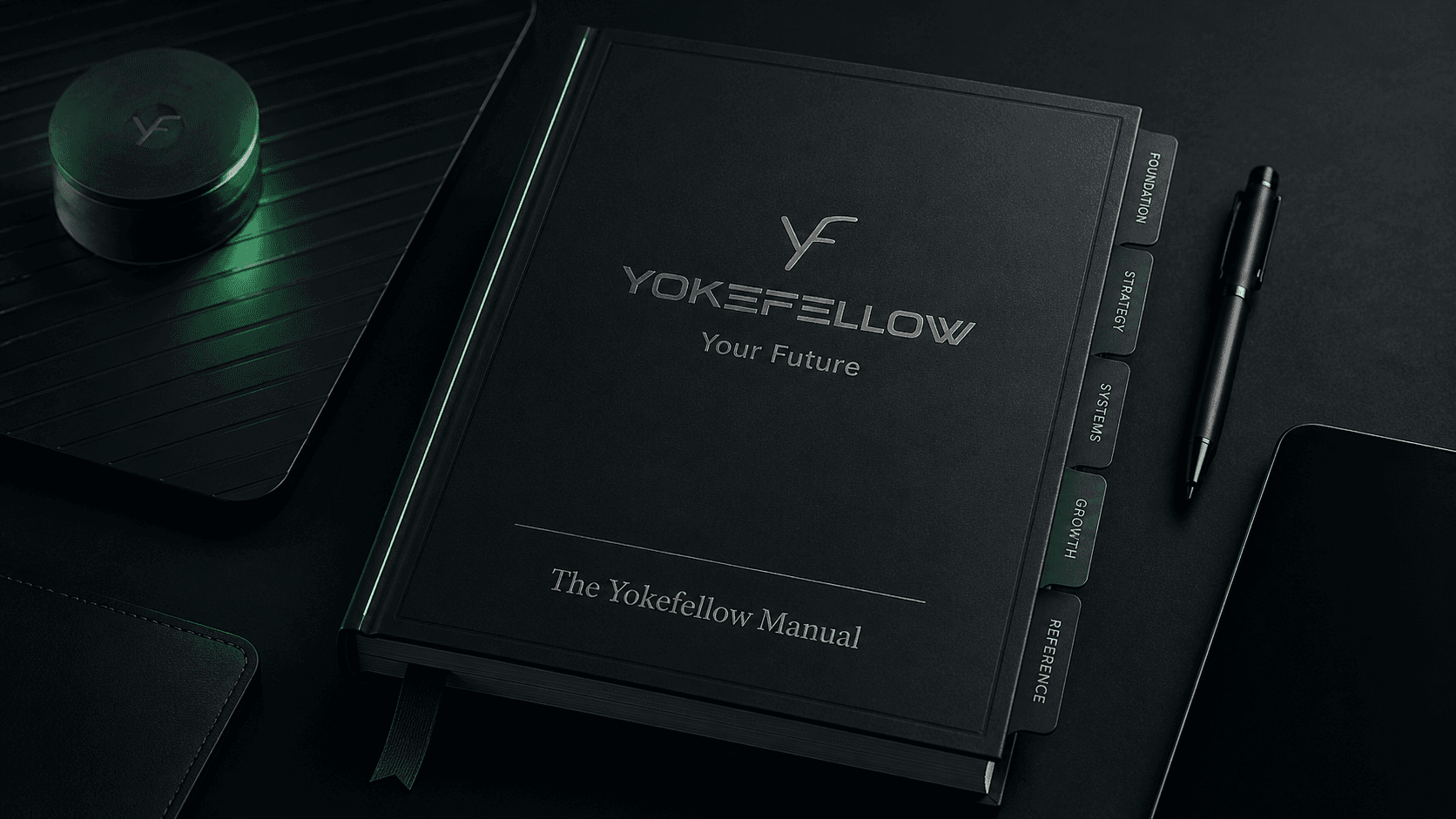
Yokefellow is a platform for programmable participation.
That means people can create and use public surfaces called buckets where an idea, project, campaign, app, game, event, fundraiser, giveaway, or other initiative can explain what it is, how people can participate, what rules apply, and what proof should exist afterward.
This guide is the starting point. It explains the main pieces of Yokefellow without assuming you already understand crypto, smart contracts, buckets, or YES.
Simple version: Yokefellow helps turn participation into something visible, structured, and easier to verify.
What you can do on Yokefellow
Yokefellow is built around a few core actions:
- Read public buckets and understand what they are trying to do.
- Connect a wallet and create a profile.
- Use YES inside the Yokefellow system.
- Deposit into buckets when a bucket is open for participation.
- Use the YES/USDC market.
- Receive NFTs or other outputs when a bucket or offering supports them.
- Follow posts, briefs, updates, policies, receipts, and proof connected to a bucket.
Not every bucket will support every action. Some buckets are active. Some are drafts. Some are concept previews. Some accept deposits. Some do not. Some issue NFTs. Some only explain a future structure.
The important rule is to read the bucket before acting.
What is a bucket?
A bucket is the main public surface on Yokefellow.
A bucket is not just a page. It is where an initiative can hold its purpose, status, funding posture, mechanics, posts, offerings, and later proof.
A bucket can explain:
- what the initiative is
- who operates it
- what the target is
- whether deposits are enabled
- what kind of participation is allowed
- what users may receive
- what rules or limits apply
- what posts or policies explain it
- what happens when the bucket completes or closes
Think of a bucket as the public record and participation surface for one initiative.
What are bucket mechanics?
A bucket mechanic describes how a bucket behaves.
Yokefellow currently uses three main mechanic families:
- Splash
- Leaky
- Manual
A Splash bucket is goal-based. It works toward a target and then moves toward closeout once the target or close condition is reached.
A Leaky bucket is time-based. It can move value on a schedule or through a paced flow.
A Manual bucket depends more directly on operator action and timing.
You do not need to understand every mechanic before using Yokefellow. The key is that the mechanic tells you how the bucket is supposed to behave.
Before using live buckets, users can review:
- Operational Status for contract addresses and current deployment state
- Stats for public activity and indexed system state
- Risk Disclosures for platform and wallet risks
What is YES?
YES is the Yokefellow platform token.
YES is used across Yokefellow’s participation and economic flows. It can be used in buckets, offerings, apps, and the market.
YES is not the whole platform. Yokefellow is the system. YES is the token used inside that system.
Users may encounter YES when they:
- hold YES in a wallet
- trade YES on the market
- deposit YES into a bucket
- participate in an offering priced in YES
- receive or use bucket-linked outputs
Until YES is widely recognized by wallets and listing services, some users may need to manually add the token to their wallet before it displays correctly.
What is the market?
Yokefellow includes a YES/USDC market.
The market is where users may buy or sell YES against USDC when liquidity is available.
Basic market terms:
- A bid is an offer to buy.
- An ask is an offer to sell.
- A trade happens when an order is filled.
- Liquidity means how much is available to buy or sell.
- Slippage means the final result may be worse than expected if liquidity is thin.
Some bucket mechanics may also use the market. For example, a goal-based bucket may receive YES but work toward a USDC target. In that case, the bucket may need a market path to convert YES toward the target.
Market access does not guarantee good execution, deep liquidity, or a stable price.
Why connect a wallet?
A wallet is how Yokefellow recognizes your onchain identity and lets you take wallet-based actions.
You may need a wallet to:
- view wallet-aware state
- hold YES
- deposit into a bucket
- use the market
- receive NFTs
- prove ownership of outputs
- connect activity to your profile
Your wallet is not the same as a normal username and password account. You control the wallet. Yokefellow cannot recover your seed phrase, reverse every mistaken transaction, or protect you from every bad signature.
Always check what you are signing.
What is a profile?
A Yokefellow profile is the public layer around your wallet activity.
A profile may show things like:
- nickname
- wallet-linked activity
- bucket participation
- completed trades
- comments
- rewards or outputs where supported
Profiles help make activity more readable. Instead of only seeing wallet addresses, users can understand who participated, who won, who traded, or who commented through a clearer profile surface.
Your profile does not automatically mean Yokefellow knows your legal identity. Wallet identity, profile identity, and legal identity are separate things.
What are deposits?
A deposit moves YES from your wallet into a bucket.
Not every bucket accepts public deposits.
Before depositing, check:
- whether the bucket is published
- whether public deposits are enabled
- what the bucket is for
- whether deposits are loose credit or captured immediately
- whether withdrawals are allowed
- what fees apply
- what happens if the bucket fails, pauses, or closes
- what posts or policies explain the bucket
Some buckets may treat a deposit as general bucket credit. Other buckets may immediately capture the deposit into a participation path.
That difference matters.
If a bucket says deposits are captured immediately, the deposit is not just sitting there as casual balance. It may become part of that bucket’s participation record under the posted terms.
What are offerings?
An offering is a structured participation path inside or around a bucket.
An offering might be:
- something a user buys
- something a user earns
- something a user requests
- something a user applies for
- something granted by an operator
- something issued after a winner is selected
An offering is not automatically a store item. It is the path that explains how a user may participate and what kind of result may come from that participation.
Always read the offering before acting.
What are NFTs on Yokefellow?
NFTs on Yokefellow are not only collectibles.
An NFT may carry or point to a right, status, proof, access, redemption path, display item, winner claim, or other platform-recognized output.
Examples:
- a winner NFT
- an access NFT
- a redemption NFT
- a proof NFT
- a badge
- a status object
- a role or permission carrier
The NFT is the carrier. The bucket, offering, metadata, and terms explain what it means.
Do not assume every NFT is transferable, redeemable, permanent, or valuable in the same way. The terms matter.
What are posts, briefs, updates, policies, and proof?
Yokefellow uses posts to explain and record what happens around buckets.
Different post types do different jobs:
- A brief explains the main idea or structure.
- An update explains progress or changes.
- A policy states rules, limits, or operating terms.
- A receipt or proof post records what happened after action.
- A guide helps users understand how to use the platform.
A bucket may have one canonical brief and many connected posts.
The Read the brief button should take users to the main explainer for that bucket. The All posts link should show other posts connected to the same bucket.
What should new users do first?
Start with this order:
- Read the Welcome to Yokefellow post.
- Read this Getting Started guide.
- Connect a wallet only when you are ready.
- Create or check your profile.
- Learn how to add YES to your wallet.
- Review the market before trading.
- Read a bucket’s brief before participating.
- Check whether the bucket is active, published, and accepting deposits.
- Read the policy or terms before depositing.
- Keep track of what you sign and what wallet you use.
What should you not assume?
Do not assume every bucket is active.
Do not assume every bucket accepts deposits.
Do not assume every deposit is withdrawable.
Do not assume every NFT means the same thing.
Do not assume every offering is instant.
Do not assume the market has deep liquidity.
Do not assume a concept preview is a live campaign.
Do not assume a post is a policy unless it is marked or written as one.
When in doubt, read the bucket, the brief, the policy, and the current status before acting.
Where to go next
After this guide, the most useful next guides are:
- What is Yes?
- How to Add YES to Your Wallet
- What is a bucket?
- Bucket Deposits, Captured Deposits, and Bucket Credit
- User Accounts and Yokefellow Market Basics
- NFT's, Rights, and Redemption
- Posts, Briefs, Updates, Policies, and Proof
Yokefellow will make more sense as those pieces connect.
The main idea is simple: participation should be legible before action and verifiable after outcome.
Related posts
More to read next.